
Pocket tools for the slow parts of a ZentBuy order
Three browser tools for a ZentBuy order: plan custom photos, count storage days, and see freight lines from our own estimator replay.
Planner, clock and fare peek in brief
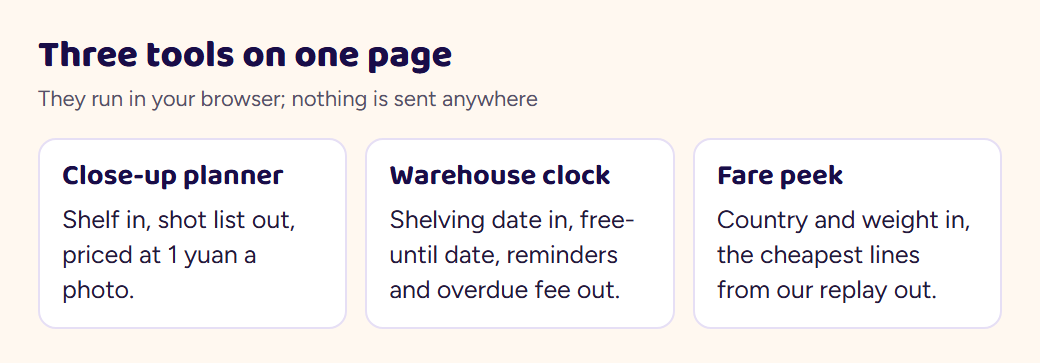
How to use the tools here: each one answers a single question you will have at a particular step of a ZentBuy order, and each runs in your browser with nothing sent anywhere. The close-up planner is for the moment photos arrive. The warehouse clock is for deciding when to ship. The fare peek shows what our own replay of ZentBuy's freight estimator returned for three weights, so you can see the spread before opening the real estimator.
Close-up planner for warehouse photos
Pick the shelf your item belongs to and how many custom photos you are willing to buy. The planner lists the zoom points for that shelf in priority order and prices the request at ZentBuy's stated 1 yuan per photo.
For example, select Bags and two photos, then edit the draft to name your order and the handle anchor you need to see. Remove a request if a clear standard photo already answers it. The two-photo draft is priced at ¥2 using the archived ¥1 rate; it does not submit a service request. Photo checks explains the limits of receiving photos.
Warehouse clock for free storage days
Enter the day your item was shelved (the Inbound Shelving Time on SourceTrack, or the date in your warehouse list) and what you paid for it in yuan. The clock gives the end of the free period, the reminder days, the daily overdue fee from day 91 and the 120-day limit, using the rules in ZentBuy's storage article.
Use the date shown for that item, not the purchase date or the day you read an email. ZentBuy’s storage article and footer notice give conflicting treatment after day 90; the calculator cannot resolve that conflict or grant an extension. Confirm the applicable deadline before relying on the later limit, and resolve a return question while its separate window is still open.
Fare peek from our estimator replay
Choose a destination and a parcel weight. The list shows up to six lines from our October 23 replay of ZentBuy's public freight estimator, cheapest first, with the promised delivery window and the struck-through list price the estimator shows beside each promotional price. Real quotes depend on box size and product type, so confirm on the estimator before paying.
The clothing labels beside the sample weights are examples, not measured weights for your item. A hoodie can weigh more or less than the 900 g option, and packaging adds weight and volume. Compare the same sample across destinations only as an archived illustration, then obtain a quote for your actual contents and packed dimensions. The fees and freight guide separates the costs.